
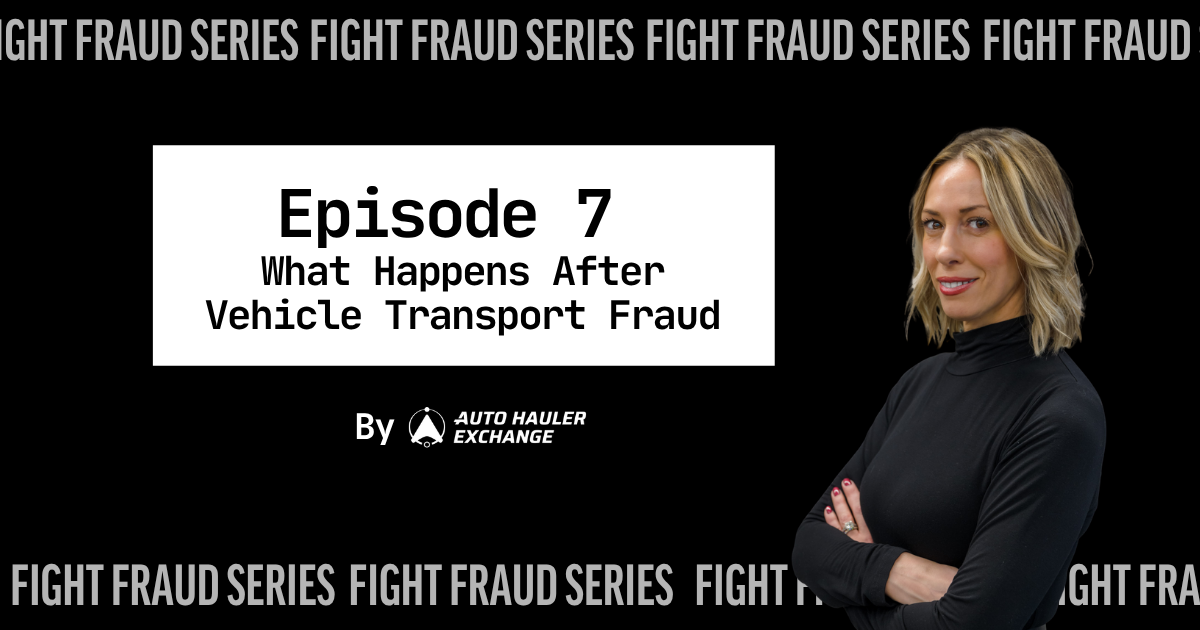
Episode 07 of the Fight Fraud Series with Dana Randazzo, COO, Auto Hauler Exchange
Key takeaways
- Start with your transport provider. On AHX, support can verify carrier details and check real-time tracking.
- Only the vehicle owner can file the law enforcement report. Not your broker, not the releasing dealership.
- Only the vehicle owner can activate in-vehicle tracking. Confirm the subscription is active before a high-value unit ships, not after.
- Under the Carmack Amendment, carriers have 30 days to acknowledge a claim and 120 days to resolve it. The clock starts when you file.
- Preserve everything, then run a post-incident review before the next vehicle is released.
When a vehicle goes missing in transport, most dealers don't know where to start. Who do you call? What do you file? Who's actually responsible? This session covers the exact steps, from contacting your transport provider to filing with FMCSA, so you're not figuring it out in the middle of a crisis.
Start with your transport provider
Call whoever you worked with to arrange transport first. On AHX, support can verify carrier details, check real-time tracking through ELD and driver app data, and start coordinating with law enforcement immediately.
If you're using a load board with no active support, that call goes straight to the carrier — who may be the bad actor. There's no independent tracking to cross-reference. No one on your side of the phone. That's the position a load board puts you in the moment something goes wrong.
Call law enforcement yourself
If a vehicle has been stolen, you as the vehicle owner have to be the one to file the law enforcement report. Your broker or transport marketplace can't do this. The releasing dealership or auction can't do it for you. You're the owner. You're the complainant.
"You can't rely on a third party. You can't rely on the releasing dealership or the releasing auction. It's really gotta be you getting in touch with local law enforcement." Dana Randazzo
File at FMCSA's National Consumer Complaint Database at nccdb.fmcsa.dot.gov as well. Select the appropriate complaint category, include the carrier's DOT number, and upload every piece of documentation you have. One complaint rarely triggers action on its own. Combined with others filing against the same carrier, it can get a bad operator flagged and investigated. If the incident involves clear fraud rather than a disputed delivery, also report it to the USDOT Office of Inspector General.
Activate in-vehicle tracking immediately
If the vehicle has OnStar or any in-vehicle tracking, only the vehicle owner can initiate it. Not your broker. Not the releasing dealership. Not law enforcement. You have to make that call.
Once you've filed a police report and have a case number, call the tracking provider. OnStar’s phone number is 1-888-466-7827. You'll generally need the VIN and the police report number. These providers work with law enforcement to supply GPS location data and can remotely slow the vehicle in some cases. This only works if the subscription is active and the vehicle is within cellular coverage. Confirm both before a high-value unit goes out for transport, not after it goes missing.
Who else to notify
Call your insurance carrier immediately. Under the Carmack Amendment, which governs domestic freight liability, carriers have 30 days to acknowledge a claim and 120 days to pay, decline, or make a settlement offer. That clock doesn't start until you file. Don't wait.
Contact the carrier's insurance company using the COI on file, but confirm the policy is still active before relying on it. A COI is a snapshot of one day's coverage. If the carrier was operating under stolen or fraudulent credentials, their insurance may not respond at all. Your own cargo coverage is what closes that gap.
Preserve Everything
The rate confirmation. Every text and email with the carrier. The bill of lading. Pickup photos. Screenshots of the carrier's profile or credentials on whatever platform they were booked through. The driver's license photo if you took one at release. If you didn't take it, note that too, it tells you exactly which control failed and where to add it.
Run a post-incident review
After the immediate situation is handled, run a review before the next vehicle is released. Where did verification fail? Did the releasing location have correct carrier information before pickup? Did anyone check the DOT on the truck? Did the driver have the full VIN?
Every gap is a control that needs to be added to your process. Not as a memo. As a posted checklist that every release location uses every time.
Download the free AHX Vehicle Release Checklist and use it before every release.
Watch Episode 7 free at autohaulerexchange.com/fight-fraud.
FAQ
Who files the police report when a vehicle is stolen in transport?
The vehicle owner. A broker, marketplace, or releasing dealership can't file on your behalf.
Where do I report a fraudulent carrier?
FMCSA's National Consumer Complaint Database at nccdb.fmcsa.dot.gov, with the carrier's DOT number and supporting documentation. Report clear fraud to the USDOT Office of Inspector General as well.
How long does a carrier have to respond to a cargo claim?
Under the Carmack Amendment, 30 days to acknowledge and 120 days to pay, decline, or offer settlement. The clock starts when you file.
Will the carrier's insurance cover a stolen vehicle?
Not always. If the carrier was operating under stolen or fraudulent credentials, the policy may not respond. Your own cargo coverage is what closes that gap.
Sources: FMCSA National Consumer Complaint Database, nccdb.fmcsa.dot.gov; USDOT Office of Inspector General, oig.dot.gov; Carmack Amendment, 49 U.S.C. 14706.

.png)
